ERPNext Solutions: How to Stop Business Bottlenecks Before They Start
 Nov 12, 2026
A business can have a good team, steady orders and growing demand, yet still struggle with delays. Stock runs out when customers need it, purchase approvals take too long, sales updates get missed and finance teams spend hours collecting information.
These problems are often caused by disconnected systems and manual processes. When departments work with separate spreadsheets or software, important information gets delayed or lost.
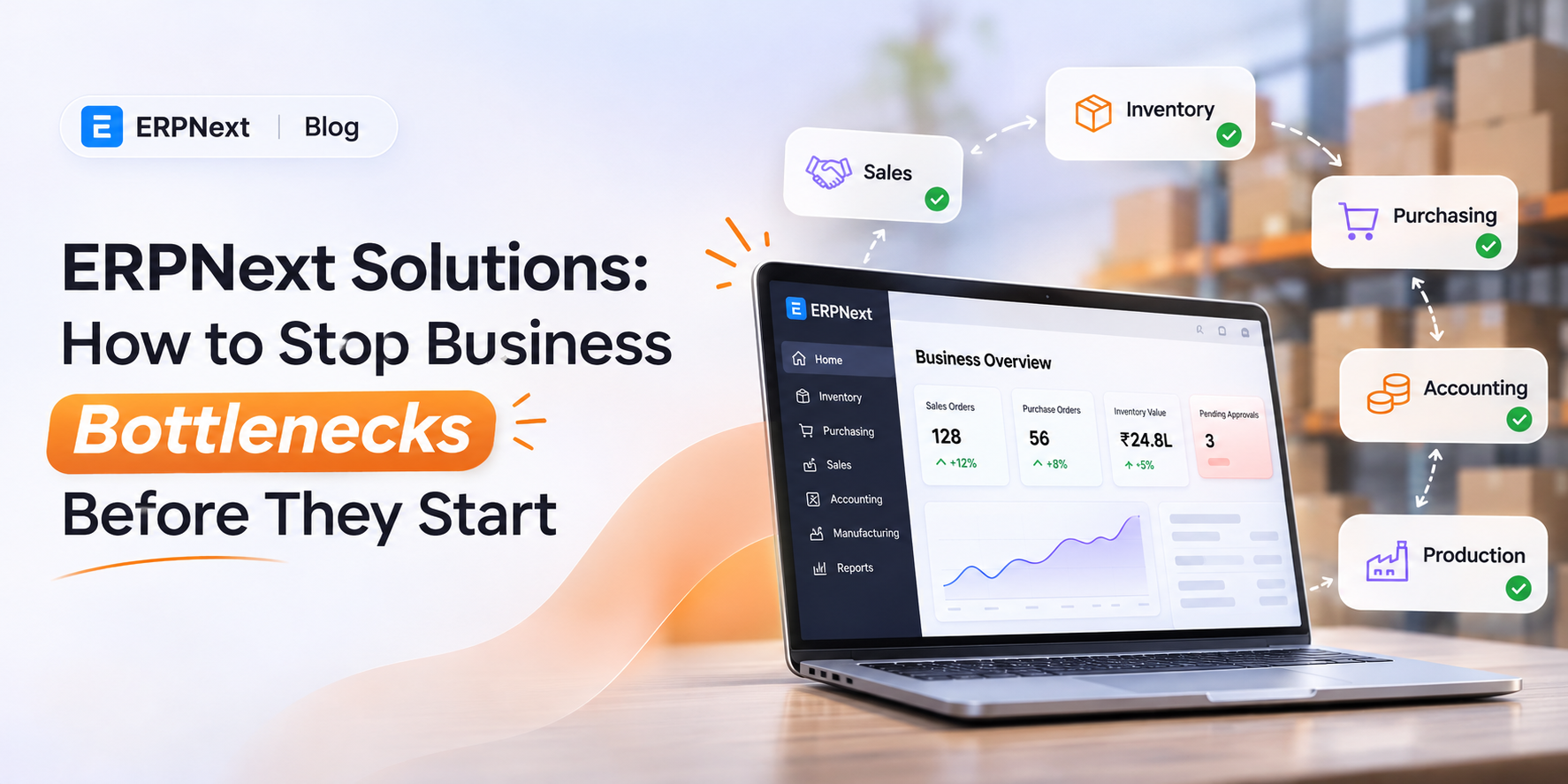
This is where ERPNext can help. It brings key business operations together in one system, helping teams access updated information, coordinate their work and identify problems before they affect daily operations.
What Are Business Bottlenecks and Why Do They Happen?
A business bottleneck is any process, activity or department that slows down the overall workflow.
Think of a manufacturing company that receives regular customer orders. The sales department confirms an order, but the production team cannot begin because the required raw materials are unavailable.
The purchasing team needs approval, the finance department needs to confirm the budget and management is waiting for an updated report.
One delayed activity affects several other departments.
This is an example of an operational bottleneck.
What Causes Business Bottlenecks?
A business bottleneck occurs when one task, department or process slows down the entire workflow.
Some common examples include:
-
● Inventory problems: Stock levels are not updated on time, leading to shortages or excess inventory.
-
● Purchasing delays: Purchase requests and supplier details are managed manually.
-
● Sales communication gaps: Teams cannot easily track customer enquiries, quotations and orders.
-
● Accounting delays: Financial information is spread across different files and systems.
-
● Production interruptions: Manufacturing teams do not have accurate information about materials or production schedules.
These issues may seem small individually, but together they can affect productivity, customer satisfaction and business growth.
How ERPNext Helps Prevent Business Bottlenecks
ERPNext is an open-source ERP system that connects different business functions through a shared platform. Instead of managing every department separately, businesses can use connected workflows to improve coordination and visibility.
Here are some practical ways it helps.
1. Prevent Inventory Shortages
Inventory problems can directly affect sales and production. If stock records are outdated, businesses may accept orders for products that are unavailable or purchase materials they already have.
ERPNext helps businesses maintain item records, track stock movements and monitor inventory levels across warehouses.
Businesses can also configure reorder levels. When stock reaches the defined threshold, ERPNext can generate a Material Request based on the configured settings.
Example:
Suppose a business sells 500 units of a product every month. It wants to maintain a minimum stock of 100 units. By setting an appropriate reorder level and monitoring projected quantities, the team can plan replenishment before stock becomes critically low.
This makes inventory planning more organised and reduces the chances of unexpected stockouts.
2. Make Purchasing More Organised
Purchasing involves several steps, including identifying requirements, requesting quotations, selecting suppliers and creating purchase orders.
When these activities are managed through emails and spreadsheets, teams may lose track of approvals or supplier communication.
ERPNext supports purchasing workflows through features such as:
-
● Material Requests
-
● Supplier records
-
● Request for Quotation (RFQ)
-
● Supplier quotations
-
● Purchase Orders
-
● Purchase Invoices
These connected records help purchasing teams follow each transaction and reduce repeated data entry.
3. Improve Sales and Customer Follow-ups
Missed enquiries and delayed quotations can affect customer relationships.
ERPNext supports sales processes through customer records, leads, quotations, sales orders and related transactions. Businesses can maintain customer information and track the progress of sales activities.
Depending on the ERPNext version and setup, CRM requirements may also be handled through Frappe CRM or an integrated CRM solution.
With better access to customer and order information, teams can respond more efficiently and avoid unnecessary communication gaps.
4. Reduce Accounting Delays
Finance teams often spend time matching invoices, checking payments and preparing reports when financial data is maintained in different places.
ERPNext connects accounting transactions with relevant business activities. It supports:
-
● Sales and purchase invoices
-
● Payment entries
-
● Accounts receivable and payable
-
● Expense tracking
-
● Financial statements
-
● General ledger reports
For example, when a sales invoice is created, the related accounting records can be updated through the configured workflow.
This helps finance teams maintain organised records and get a clearer view of business performance.
5. Coordinate Manufacturing and Team Operations
Manufacturing delays can happen when production teams do not have timely information about raw materials, work orders or production schedules.
ERPNext supports manufacturing activities through features such as Bills of Materials (BOM), Work Orders, Workstations and production planning.
Businesses can connect material requirements with production activities, helping teams plan work more effectively.
Similarly, HR teams can use ERPNext's HR-related capabilities to manage employee records, attendance, leave and other workforce processes, depending on the installed version and applications.
How ERPNext Connects Different Departments
The biggest advantage of an ERP system is not just having multiple modules. It is how those modules work together.
Consider a manufacturing business that receives a customer order.
-
● Sales: The team records the customer order and confirms the requirements.
-
● Inventory: The team checks whether the required materials and finished goods are available.
-
● Purchasing: If materials are insufficient, a Material Request can be created to begin the purchasing process.
-
● Manufacturing: The production team uses the required BOM and Work Order to plan production.
-
● Accounting: Invoices and payment records are maintained through the connected accounting workflow.
Instead of repeatedly asking different departments for updates, teams can work with information maintained in the same system.
This connected approach helps reduce communication gaps and makes business operations easier to monitor.
ERPNext vs Traditional Business Software
Many businesses start with spreadsheets and separate applications because they are easy to use. However, managing multiple tools becomes difficult as operations grow.
ERPNext can be a suitable choice for businesses looking for open source ERP software with connected business functions. It can be deployed on cloud infrastructure or other supported hosting environments according to business requirements.
ERPNext Implementation: Where Should You Start?
Choosing the right ERP software is only the first step. A successful ERPNext implementation also depends on understanding business requirements and configuring the system properly.
A practical implementation process includes:
1. Understand business requirements: Identify the processes that need improvement, such as inventory, accounting, sales or manufacturing.
2. Plan the modules: Select the ERPNext modules that match your current business operations.
3. Configure the system: Set up company details, users, permissions, workflows and other required settings.
4. Migrate existing data: Prepare and validate customer, supplier, item and financial records before importing them.
5. Train employees: Help employees understand the workflows they will use in their daily work.
6. Monitor and improve: Review the system after implementation and make adjustments as business requirements change.
Working with an experienced implementation partner can help businesses avoid unnecessary customisation and make better use of ERPNext features.
Why Choose Stackerbee for ERPNext Solutions?
Choosing an ERP implementation partner is an important part of the process. Businesses need more than software installation; they need a solution that fits their workflows and supports their operational goals.
Stackerbee Technologies, a Frappe Partner, helps businesses explore ERPNext solutions based on their requirements.
From understanding business processes to implementation and customisation, the focus is on building connected workflows that support day-to-day operations.
Whether you are looking for ERP for SMEs, inventory management, accounting integration or a broader business management system, the right ERPNext setup can help create a more organised working environment.
Explore Stackerbee's ERPNext solutions to learn more.
Frequently Asked Questions
1. Is ERPNext suitable for small and medium-sized businesses?
Yes. ERPNext can be configured for different business sizes and requirements. It can be a practical ERP for SMEs looking to connect their operations.
2. Is ERPNext a cloud ERP system?
ERPNext can be hosted on cloud infrastructure, allowing authorised users to access the system through a web browser. Hosting and access arrangements depend on the chosen deployment.
3. Can ERPNext be customised?
Yes. ERPNext can be customised to support specific business workflows, reports, fields and integrations. The level of customisation depends on business requirements.
4. Is ERPNext free and open source?
ERPNext is open-source software. However, businesses may still have costs related to hosting, implementation, support, training and customisation.
5. How long does ERPNext implementation take?
The timeline depends on the number of modules, data migration requirements, integrations, customisation and business complexity. A clear implementation plan helps set realistic timelines.
6. Can ERPNext integrate with other business applications?
ERPNext supports integrations through APIs and other available integration methods. The exact approach depends on the application and the required workflow.
Conclusion
Business bottlenecks often begin with small process gaps: outdated inventory records, delayed approvals, missed customer follow-ups or disconnected departmental information.
ERPNext helps businesses address these challenges by connecting important operations through one system. With the right configuration and implementation approach, businesses can improve visibility organise workflows and make more informed decisions.
If your business is spending too much time managing disconnected processes, it may be time to explore a connected ERP solution.
Ready to simplify your business operations? Connect with Stackerbee Technologies to explore ERPNext solutions for your business.